
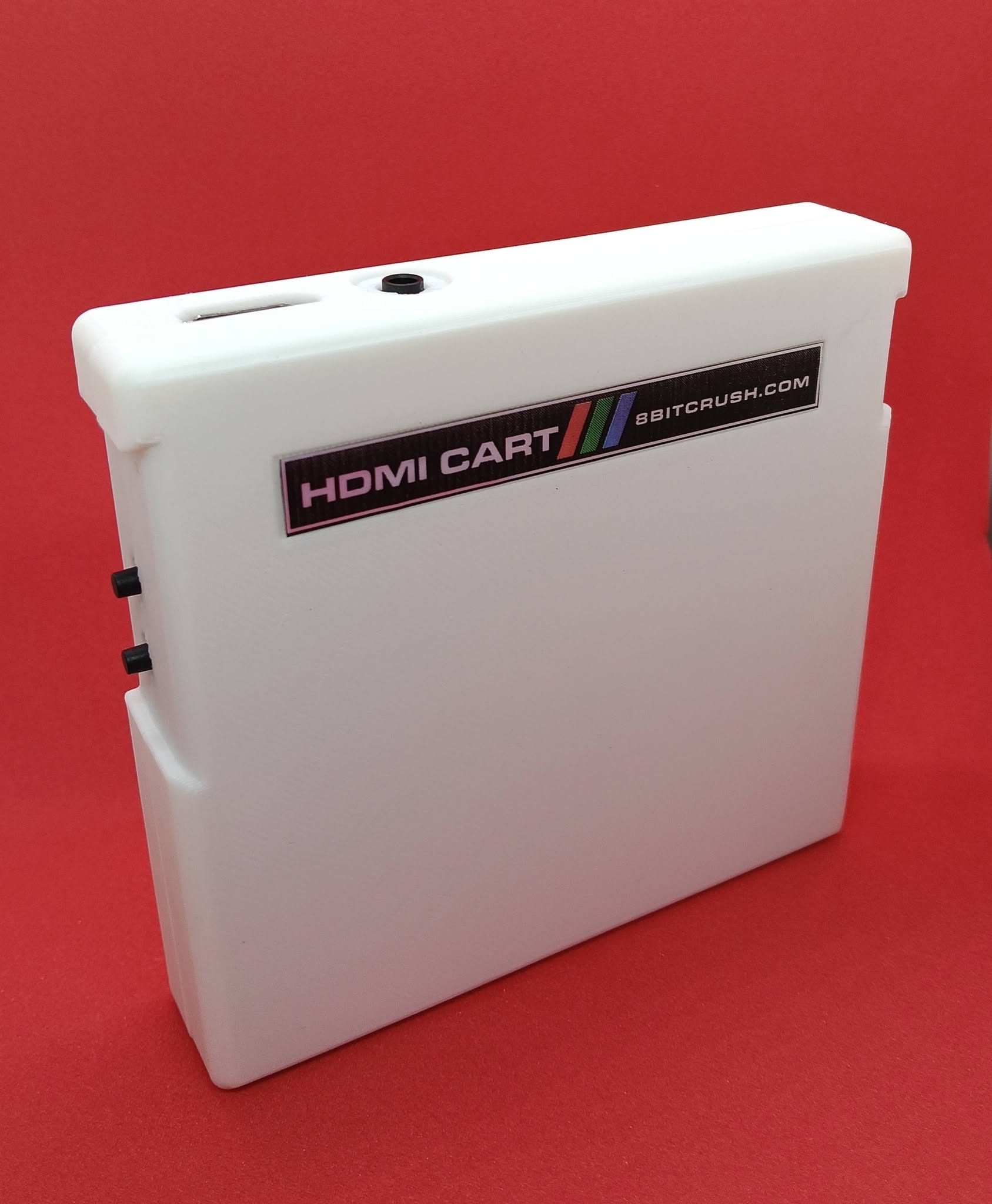
F3 — COCO HDMI CART
Colour Computer
HDMI Cartridge
The premium HDMI cartridge for the Tandy Colour Computer.
Full HDMI graphics and line-out audio for your Colour Computer 1, 2 or 3. Plug it into the cartridge port. No hardware modifications.
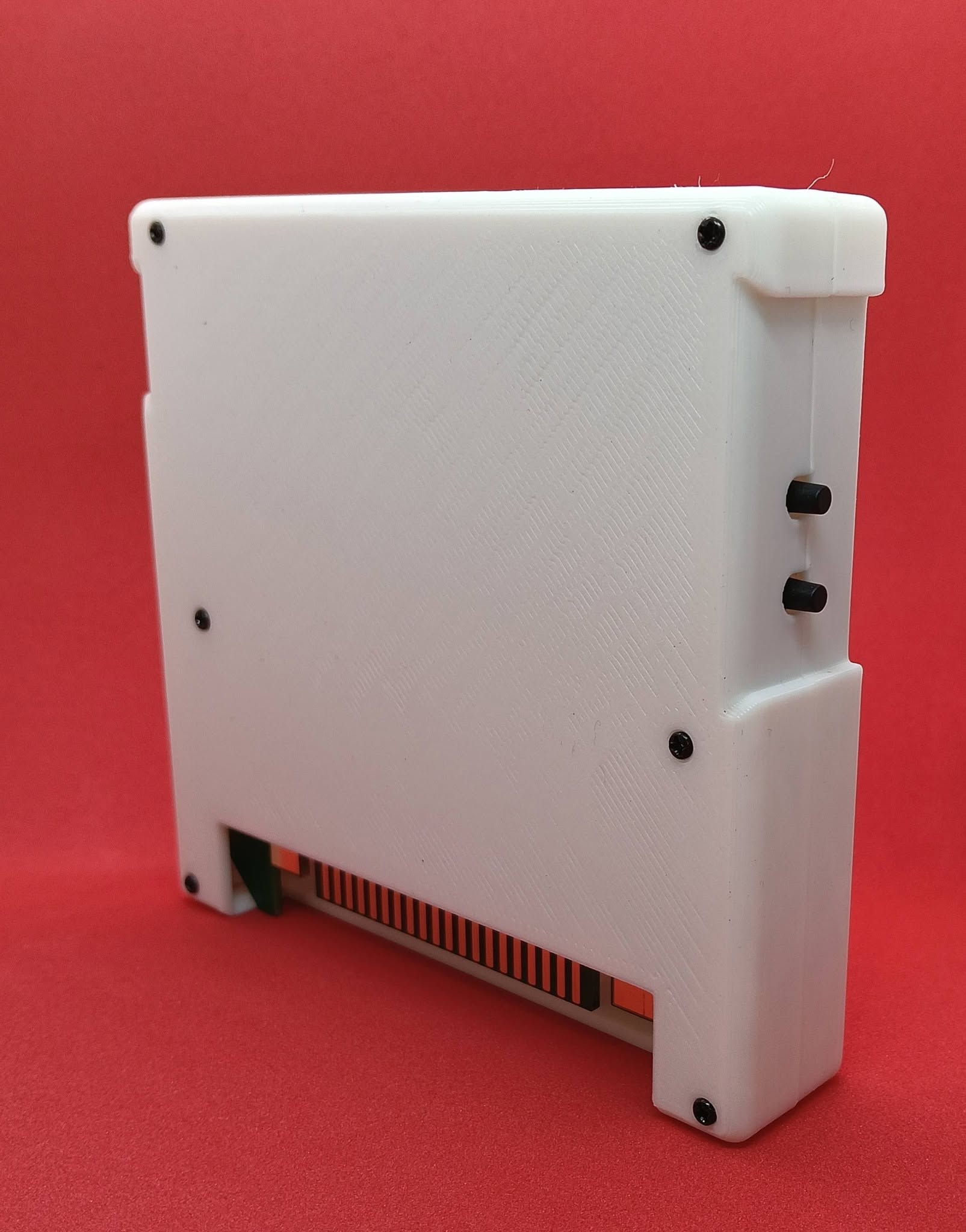
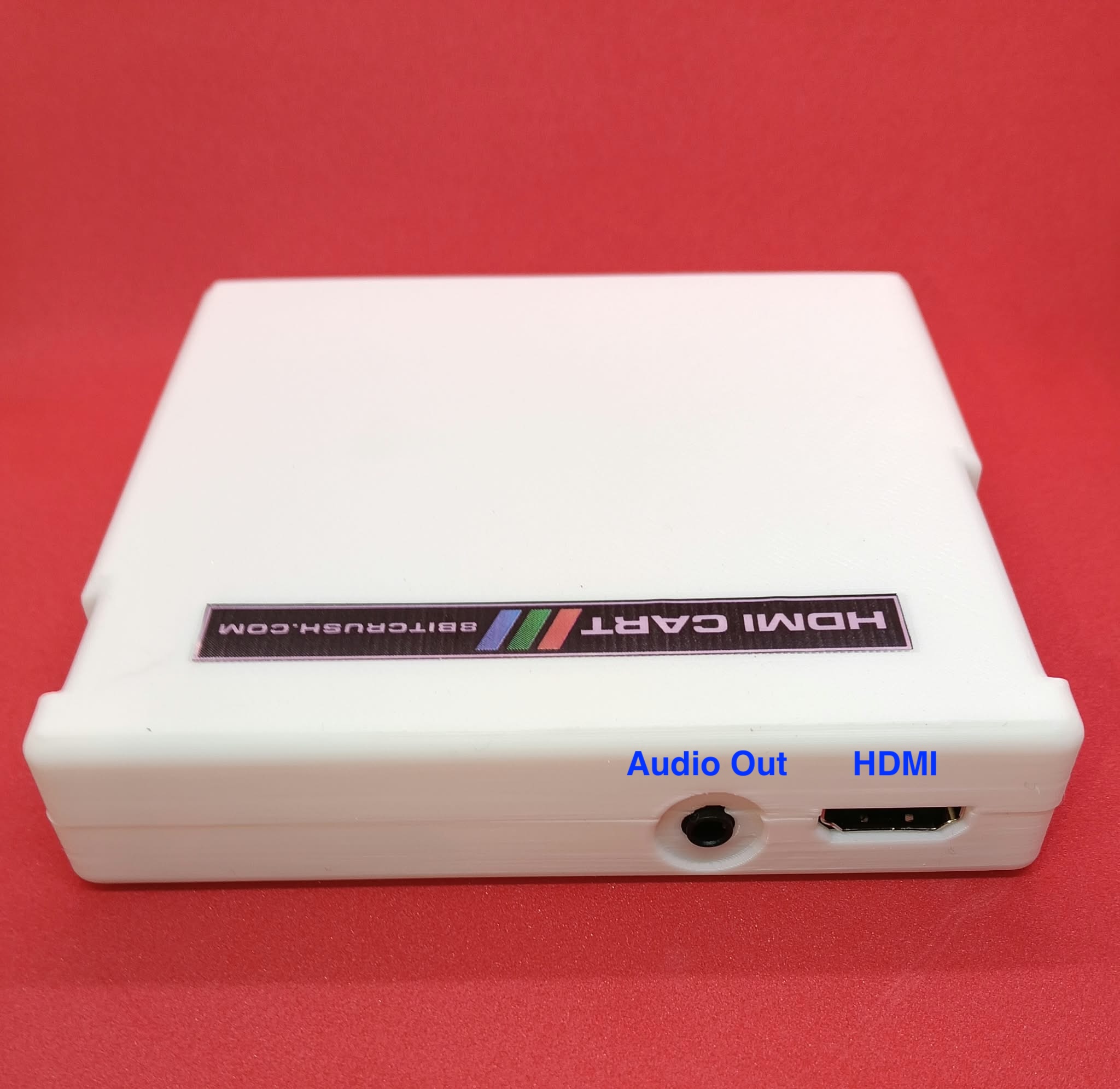
Two toggles on the cart switch emulated lowercase and emulated colour artifacting. A 3.5mm jack on the rear carries audio. HDMI embedded audio is not supported yet.
THE CART
Plug in HDMI. No modifications.
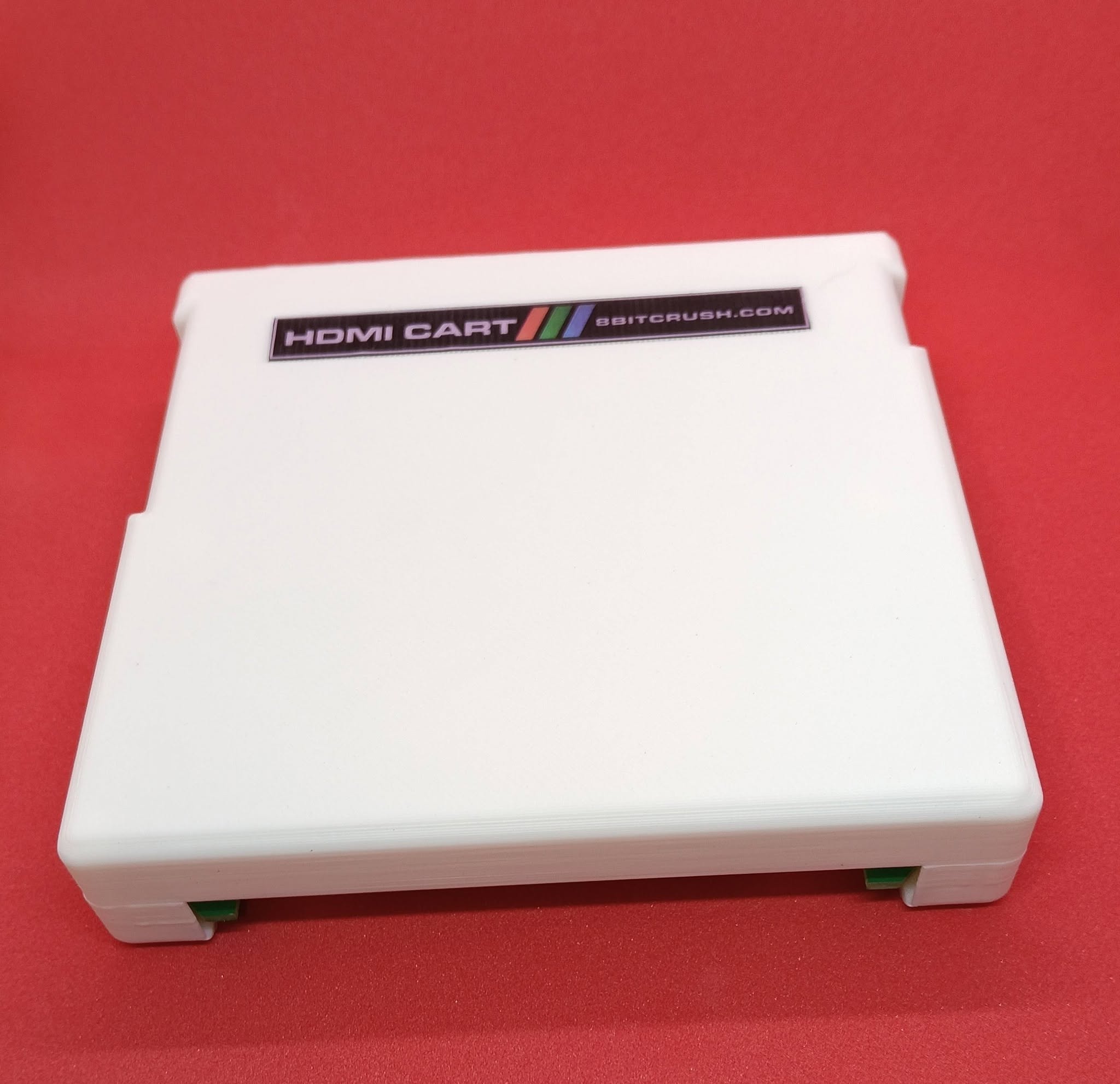
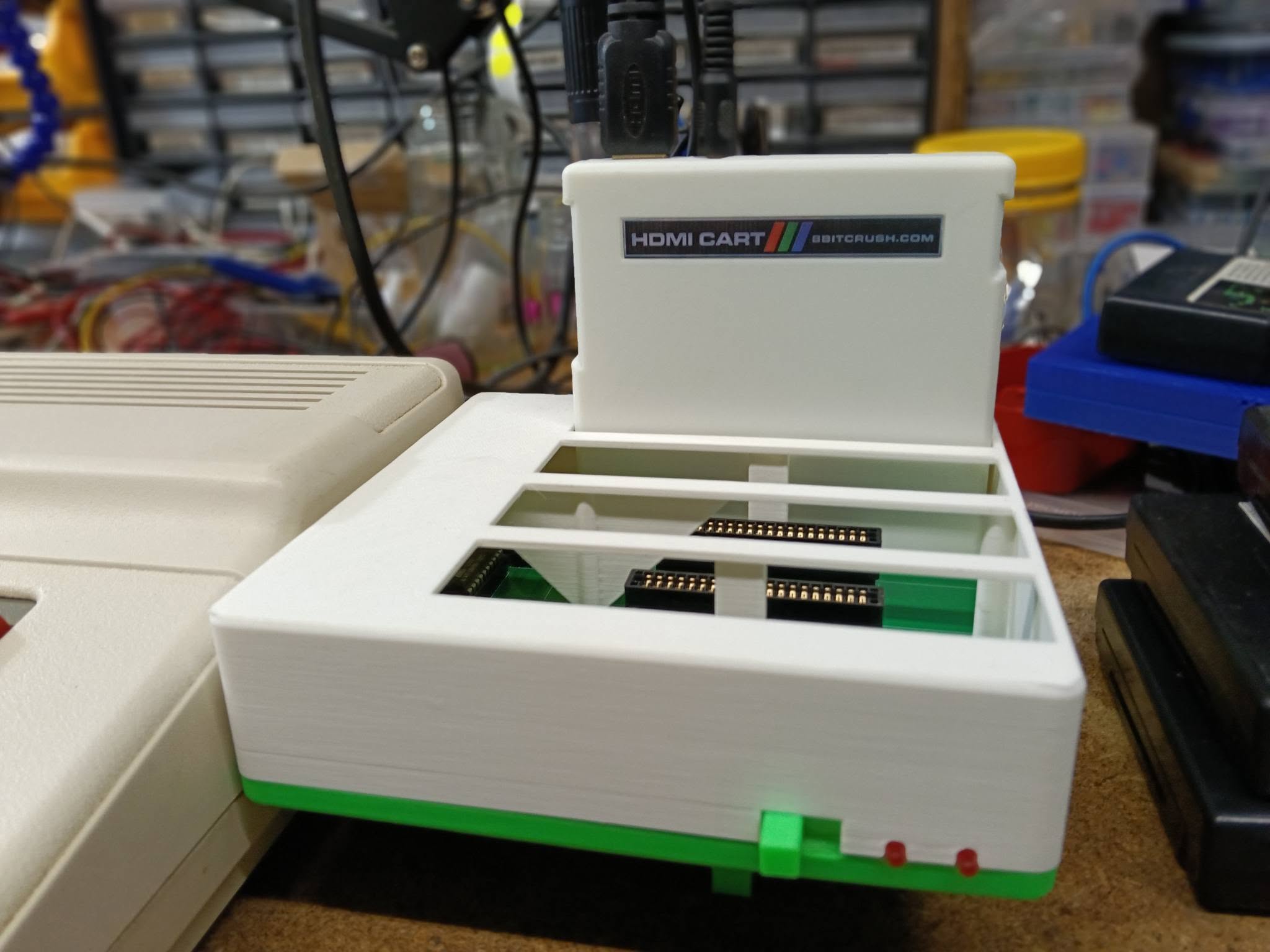
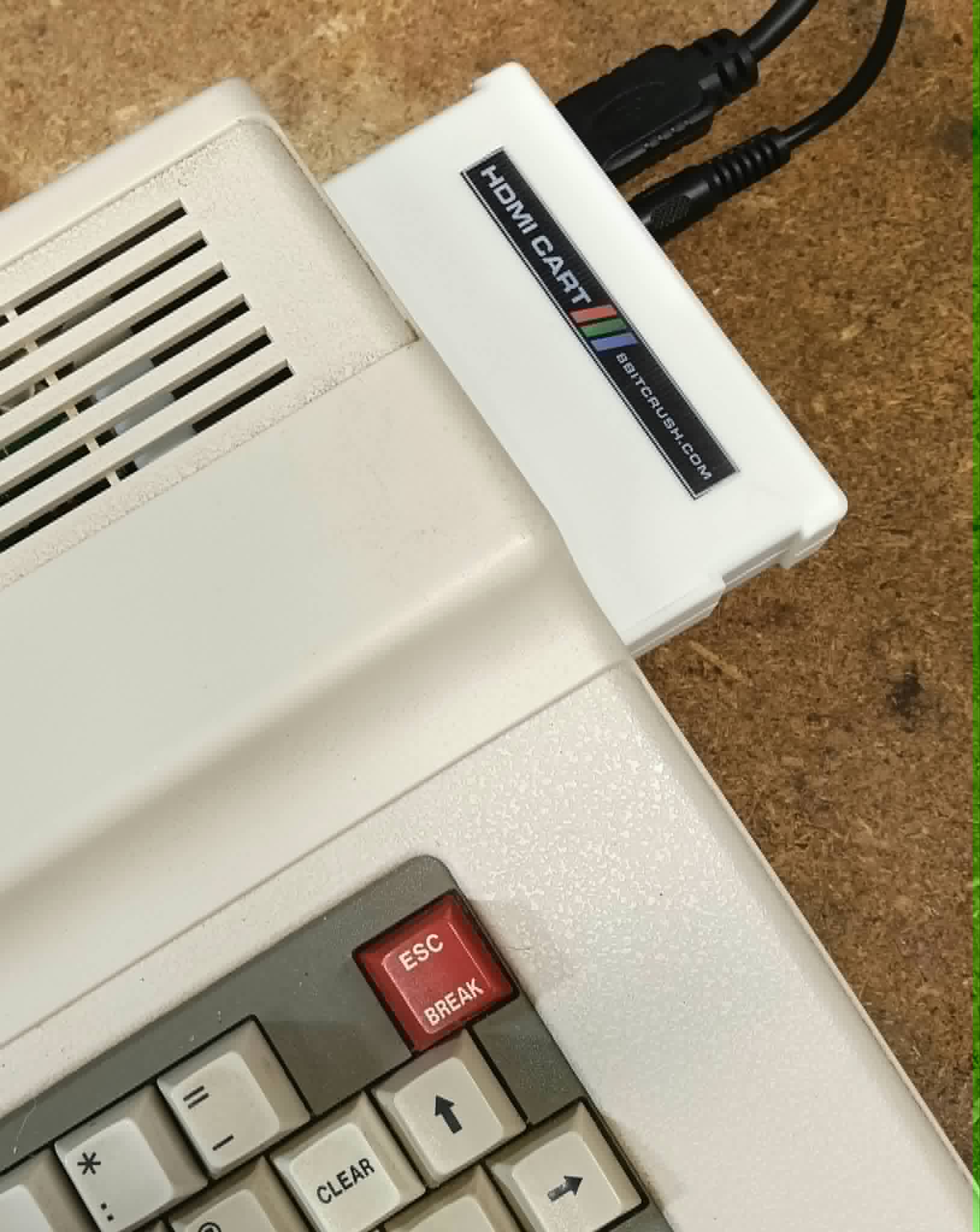
A cartridge-shaped HDMI adapter in a 3D-printed case. HDMI and audio sit on the top edge; lowercase and colour-artifact toggles sit on the side; the edge connector goes into a CoCo or Multipak slot.
ON THE TV
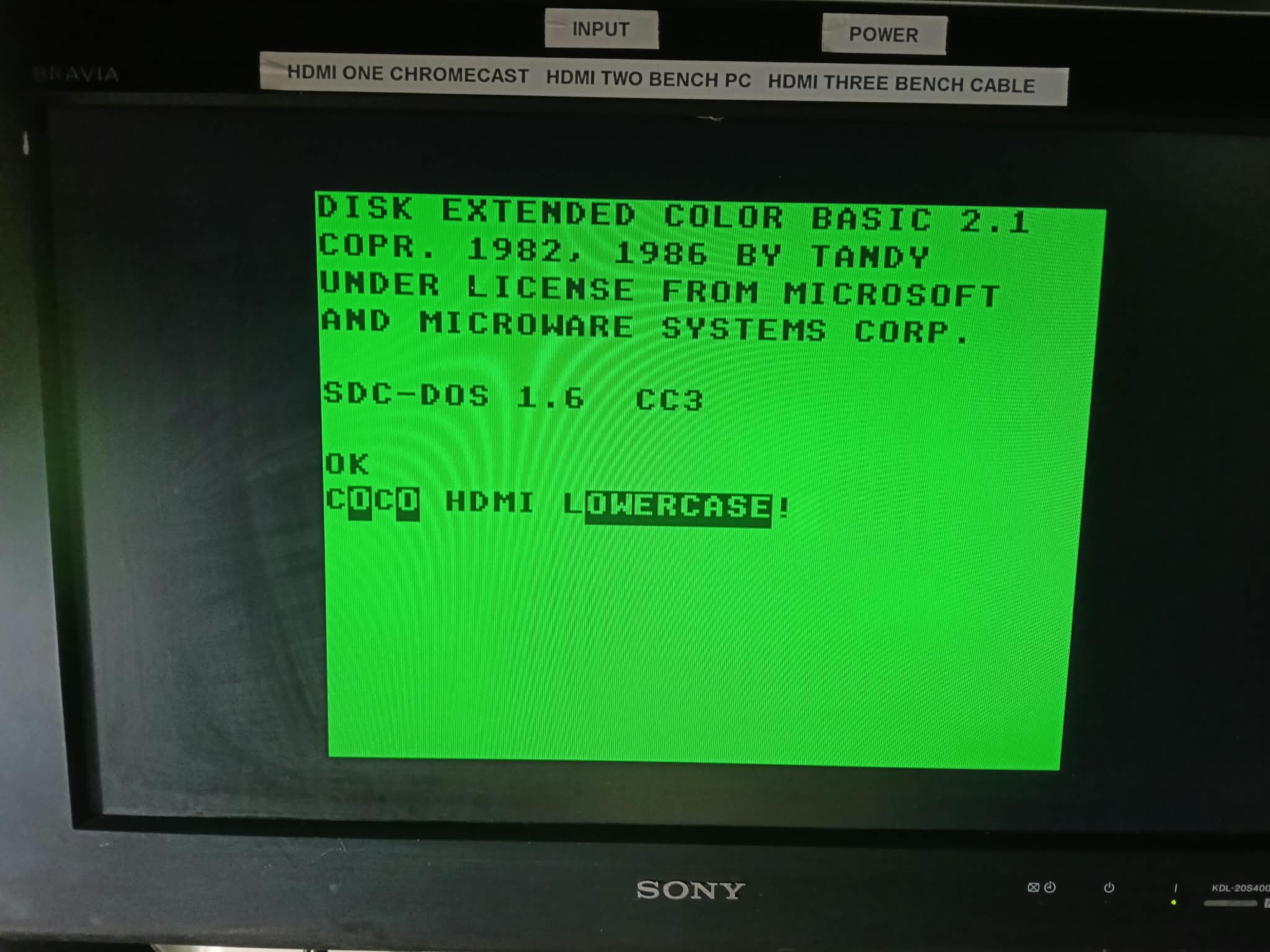
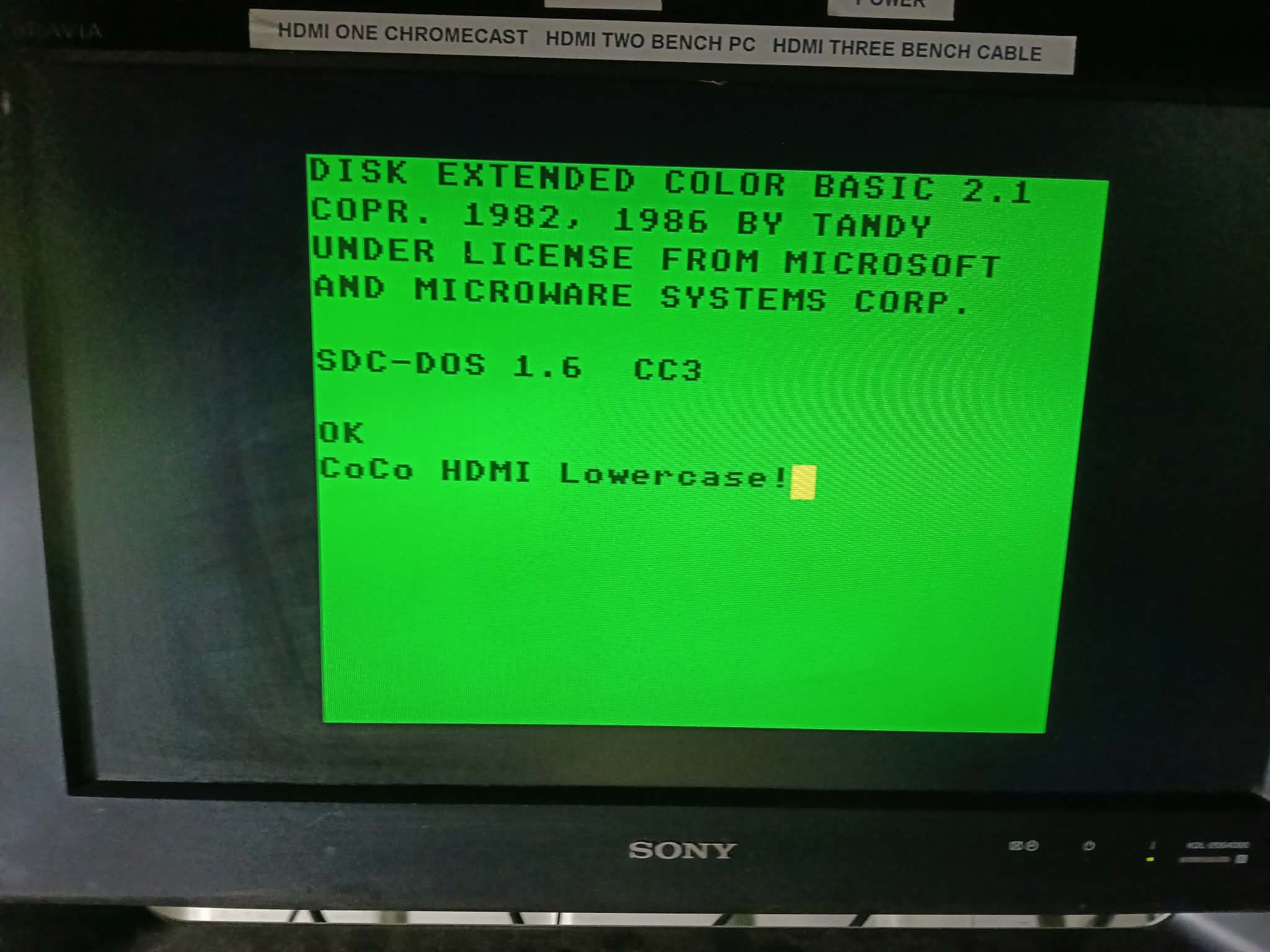
Emulated lowercase
A toggle on the cart turns CoCo inverse-capitals into mixed-case lowercase. Works across all CoCo models with our without the MC6847T1 chip which supported lowercase on later models
ON THE TV
Emulated colour artifacting
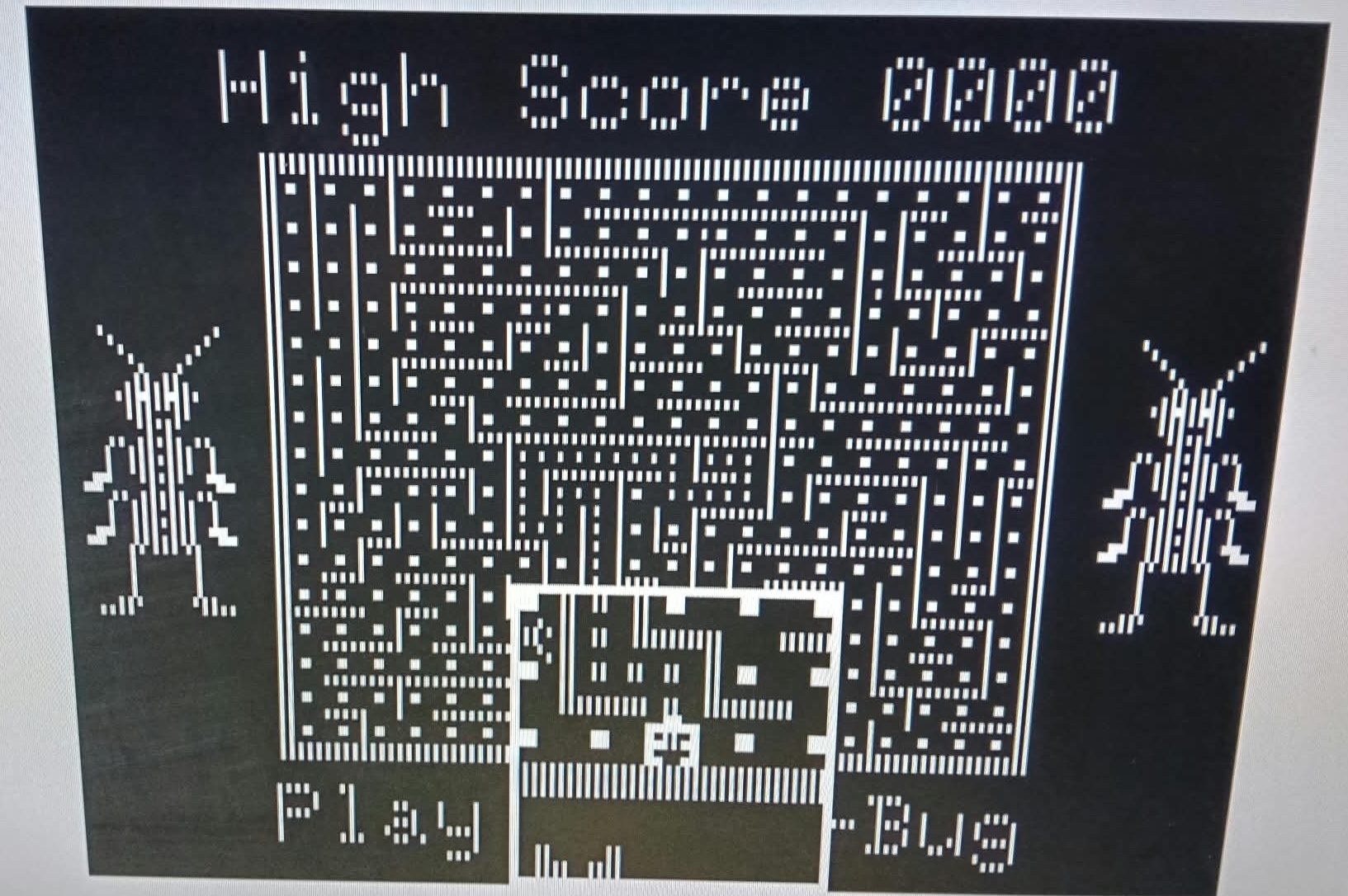
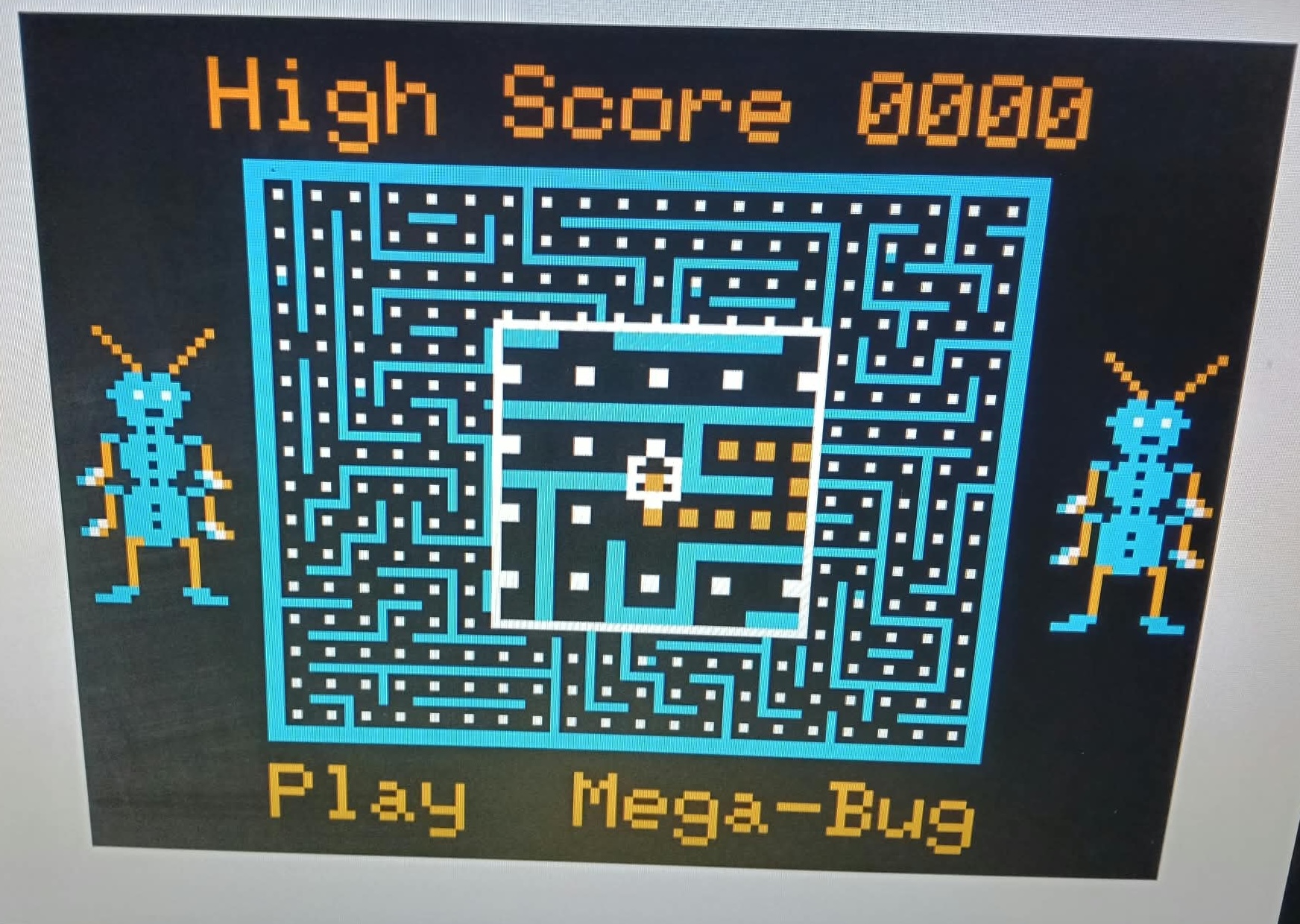
A toggle on the cart recreates the NTSC artifact colours a composite monitor would show — the extra oranges and cyans in titles like Mega-Bug. HDMI is a digital signal, so the cart synthesises that look when you want it.
AUDIO
Line audio out
Sound output is provided by a separate DAC to faithfully reproduce the audio that otherwise would be available via RF only. Add amplified speakers to have CoCo sounds to match the crisp HDMI video.
FEATURES
What it does
- Full hardware support for CoCo 1, 2 and 3
- Full CoCo 1 and 2 video modes on every Tandy Colour Computer, including the CoCo 3
- CoCo 3 native modes are experimental will improve with firmware updates
- Emulated lowercase, switched by a toggle on the cart
- Emulated colour artifacting, switched by a toggle on the cart
- Audio out on a 3.5mm jack at the rear. HDMI embedded audio is not currently supported
HOW TO
How to use the HDMI Cart
- Turn your Colour Computer off.
- Insert the cartridge and plug in audio and HDMI.
- Turn on the computer and enjoy a crisp digital display.
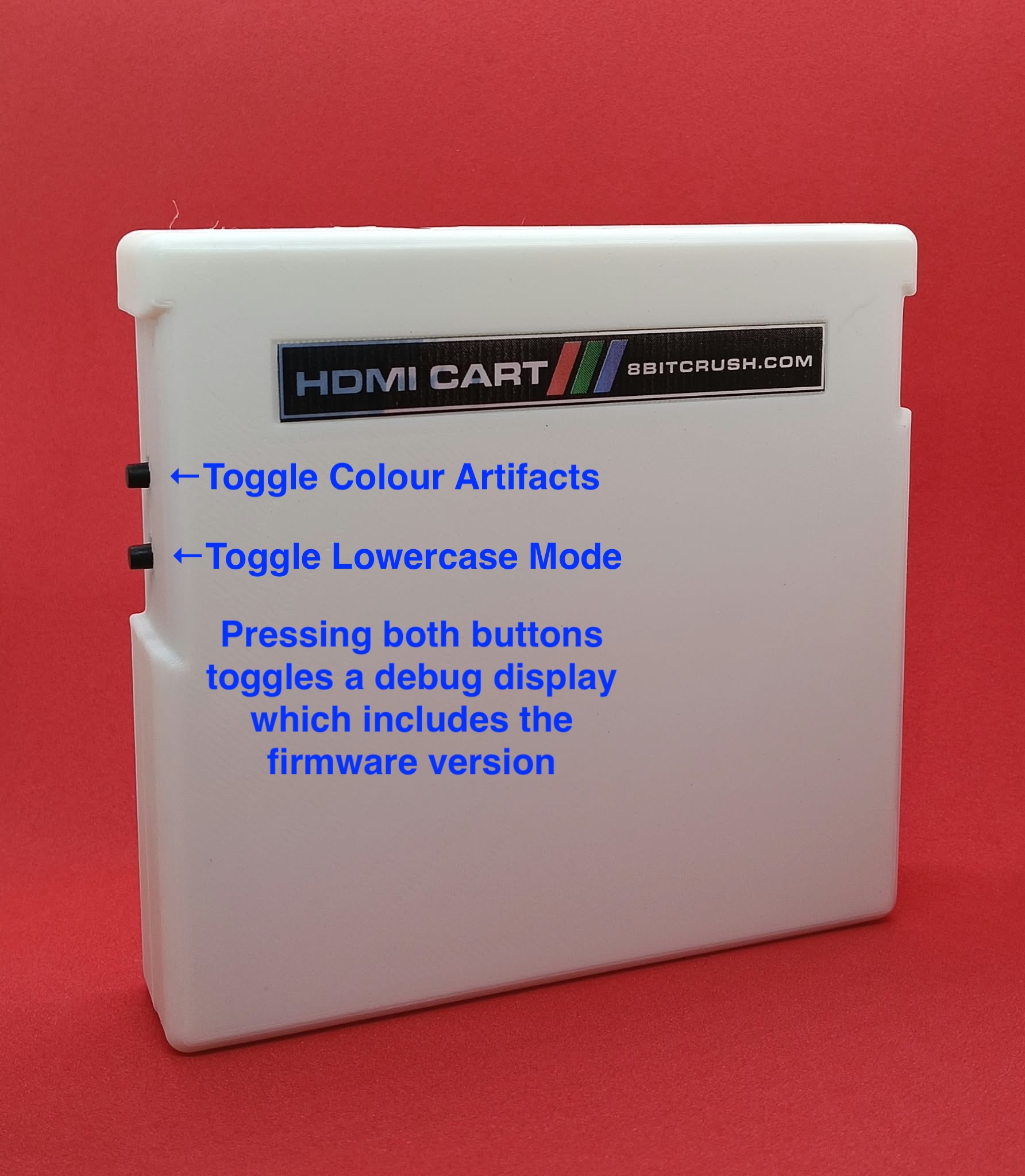
- Use the toggle buttons to toggle lowercase mode (rather than reverse characters on older CoCos) and the other to switch colour artifacts on or off.
- Press both buttons together to toggle an on-screen debug display that shows information to send to support if required and to check your firmware version.
NOTES
Multipak support
Multipak. The HDMI Cart works in an 8BITCRUSH Multipak as sold. A chip swap is only for older Tandy 26-3024 Multipaks if the GAL chip is socketed on the board. You can add that programmed chip for an extra $5 when you buy the cart, or buy an 8BITCRUSH Multipak. The swap is a DIY job. We cannot work on a Multipak you already own.